
Leveling Up: The Ultimate Guide to Accessible Gaming Setups | Living Spinal
Posted by Living Spinal on Jul 1st 2026
Leveling Up: The Ultimate Guide to Accessible Gaming Setups
Gaming is one of the most dynamic, inclusive communities in the world. However, if you are a wheelchair user, a standard desk and a basic controller can create massive barriers to entry. In 2026, building an accessible "battle station" isn't just about finding temporary workarounds; it’s about optimizing your environment so you can compete, stream, and play comfortably for hours on end.
Whether you are navigating the galaxy, building a digital city, or dropping into a battle royale, here is your ultimate guide to leveling up your accessible gaming setup.
1. The Command Center: Desks and Positioning
Your desk is the foundation of your setup. A standard desk often lacks the necessary knee clearance, forcing you to lean forward awkwardly or game from too far away.
-
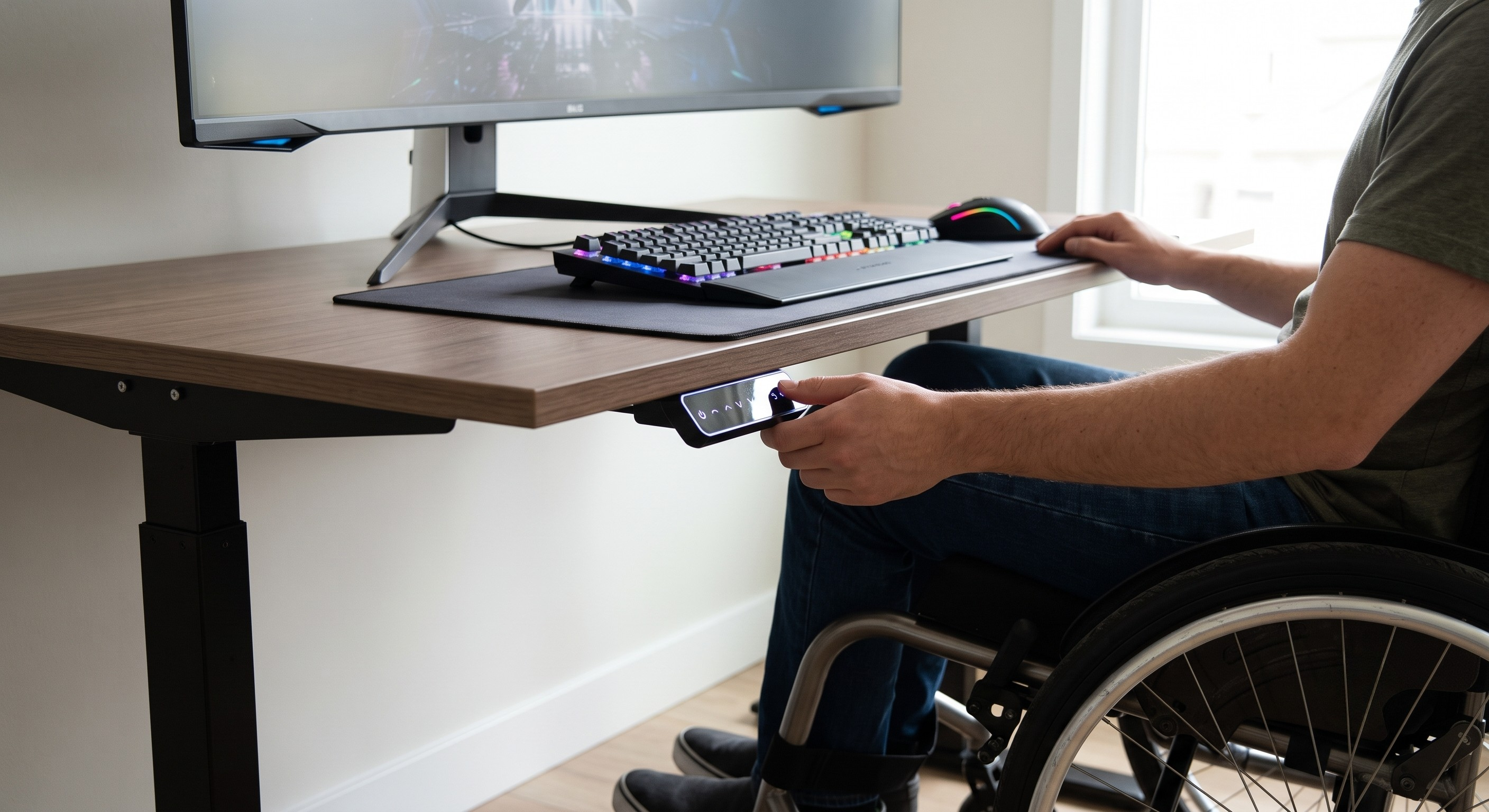
Height-Adjustable Desks: Invest in a motorized sit-to-stand desk.
These allow you to fine-tune the exact height to clear your armrests and joystick, ensuring you can roll completely under the monitor for an immersive experience.
-
-
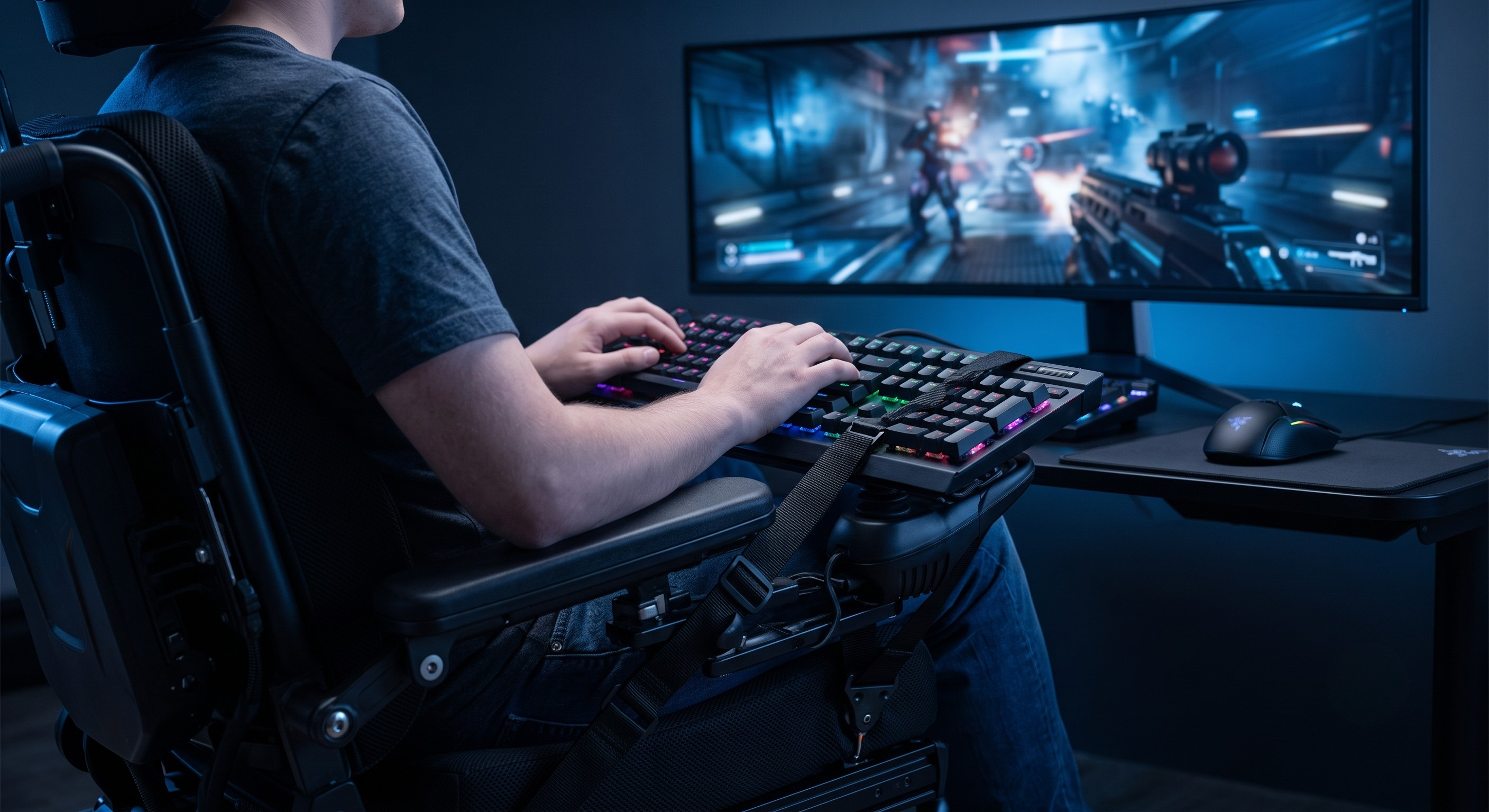
The Lap Keyboard Solution: If rolling under a desk isn't possible due to room constraints, bring the desk to you. The
LapStacker XD by Adaptdefy
2. Posture and Pressure Relief for Marathon Sessions
Gamers are notorious for long sessions. For wheelchair users, ignoring pressure relief and posture can lead to serious skin and spine issues.
-
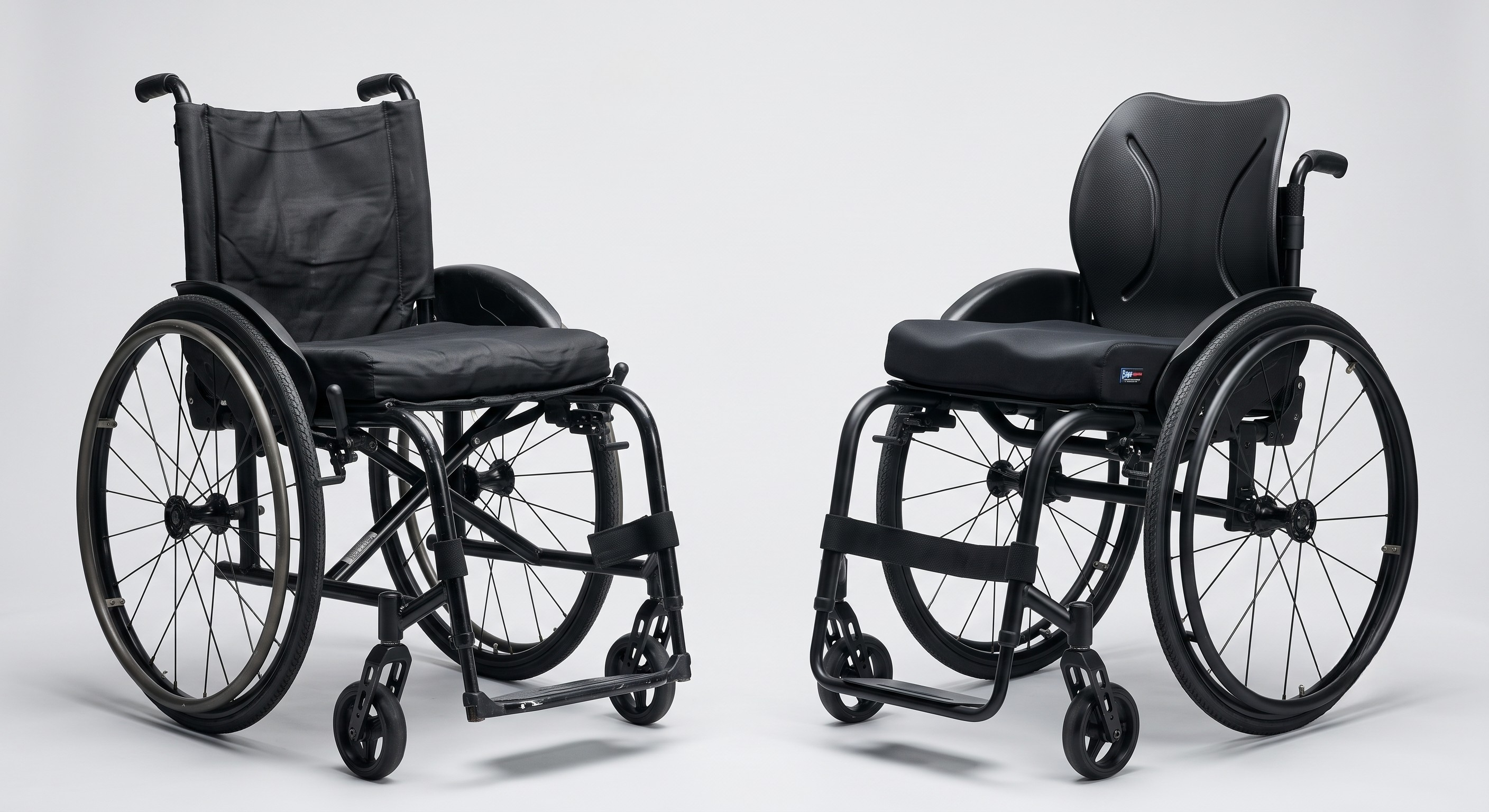
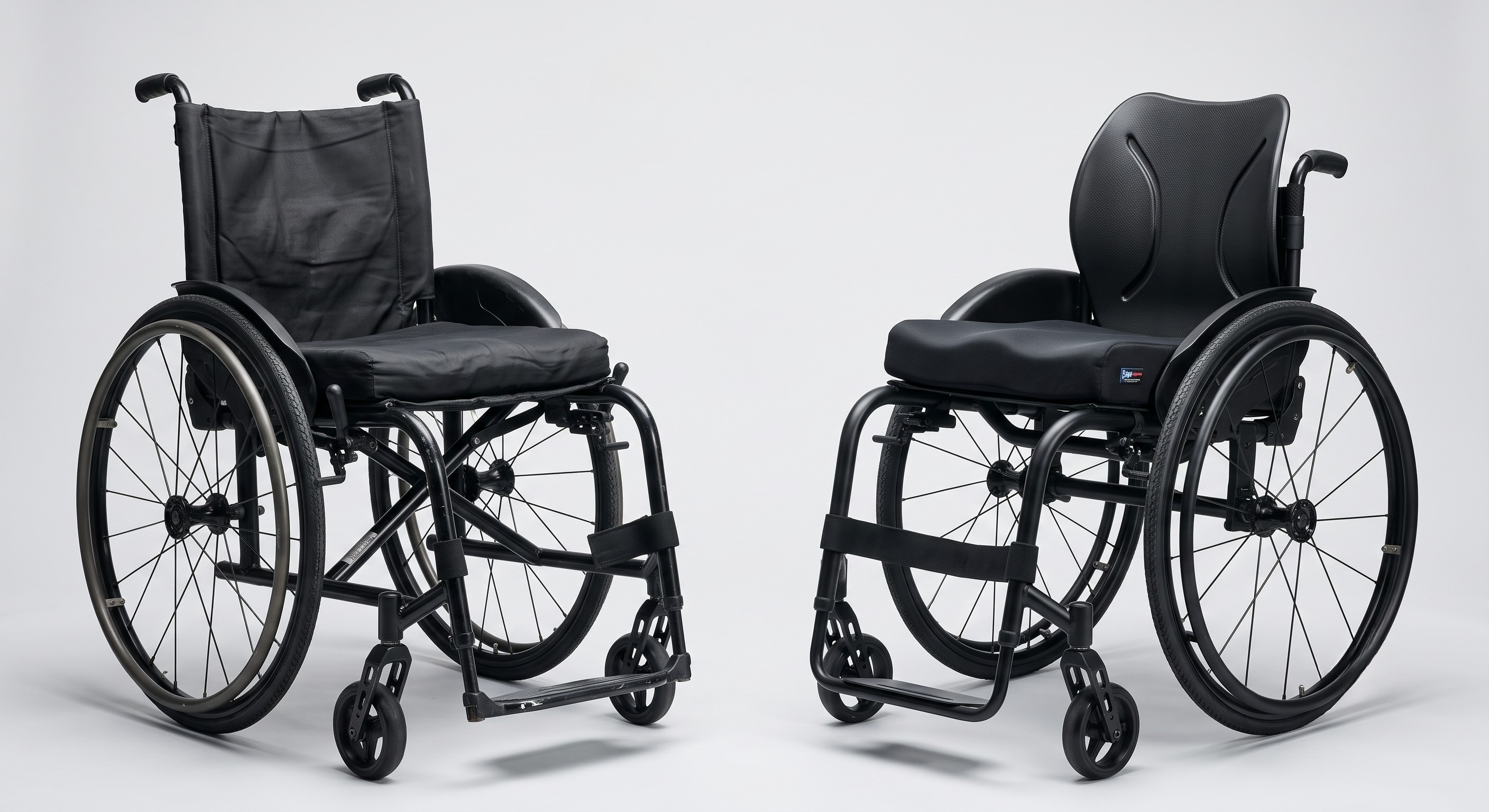
Rigid Backrests: Standard upholstery "sling" backs stretch out over time, causing you to slouch and putting immense pressure on your lower spine.
Upgrade to a rigid, contoured back support, like the high-performance Carbon Black Backrest -
-
Smart Cushions: Never game on an old, compressed foam pad. A high-profile medical cushion ensures you are getting elite pressure relief so you can focus on the game, not on physical discomfort. Explore the full range of
Seat Cushions & Backrests
3. Hardware: Adaptive Controllers and Switches
The days of being locked out of gaming due to limited hand dexterity are entirely over.
-
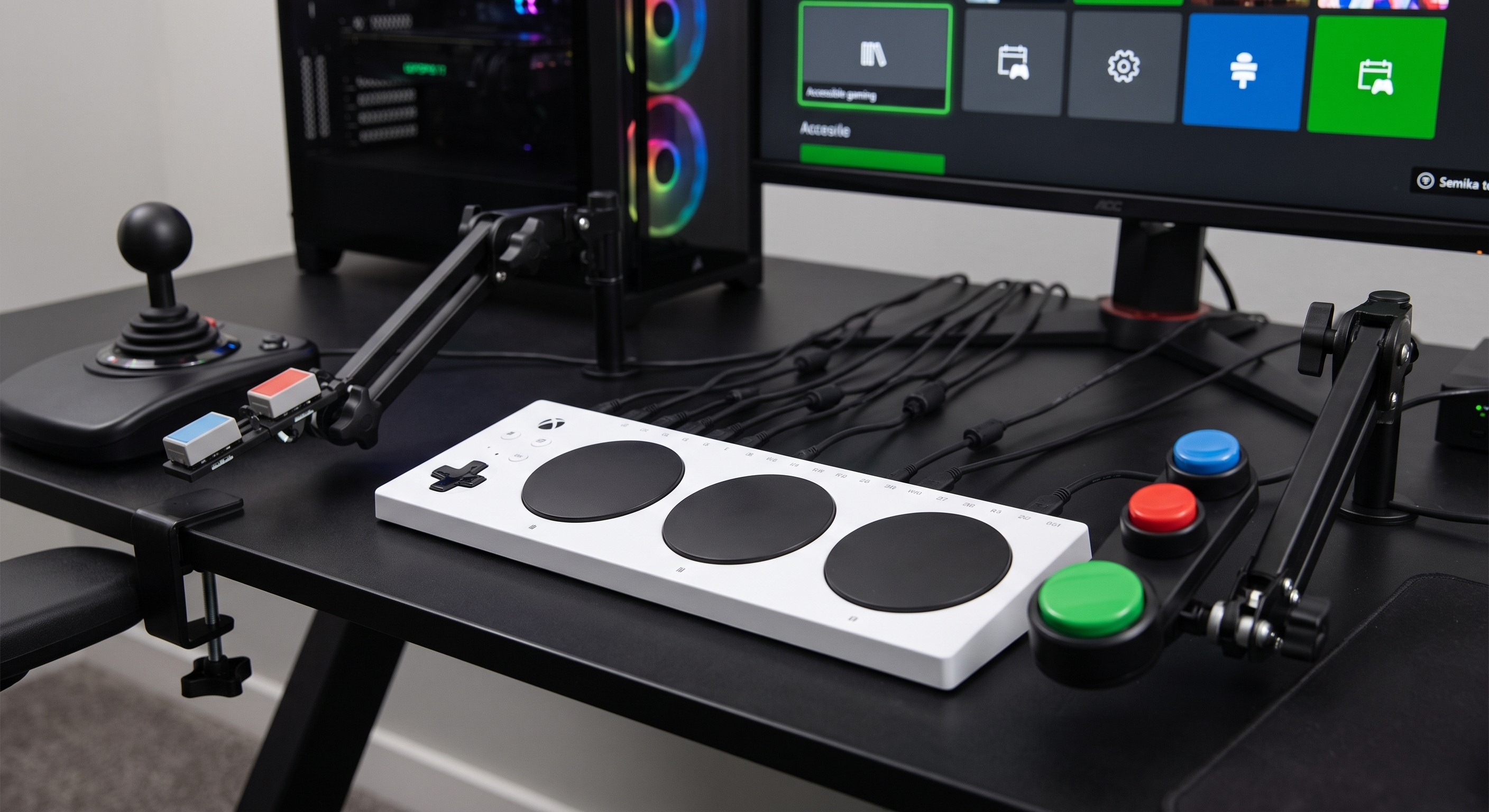
The Hub: The
Xbox Adaptive Controller (XAC)
-
Custom Inputs: If you have limited finger movement, you can mount light-touch switches near your head, elbows, or feet. Using modular mounting arms clamped to your wheelchair or desk allows you to position these inputs perfectly in your strike zone.
-
QuadSticks: For users with quadriplegia or high-level spinal cord injuries, mouth-operated joysticks (like the QuadStick) connect directly to the XAC or PC. They offer incredibly precise control using sip-and-puff technology, allowing players to compete at high levels in complex games.
4. Hydration and Snack Management
You cannot pause a live multiplayer game to go grab a drink, and reaching across a cluttered desk can throw off your balance and focus.
-
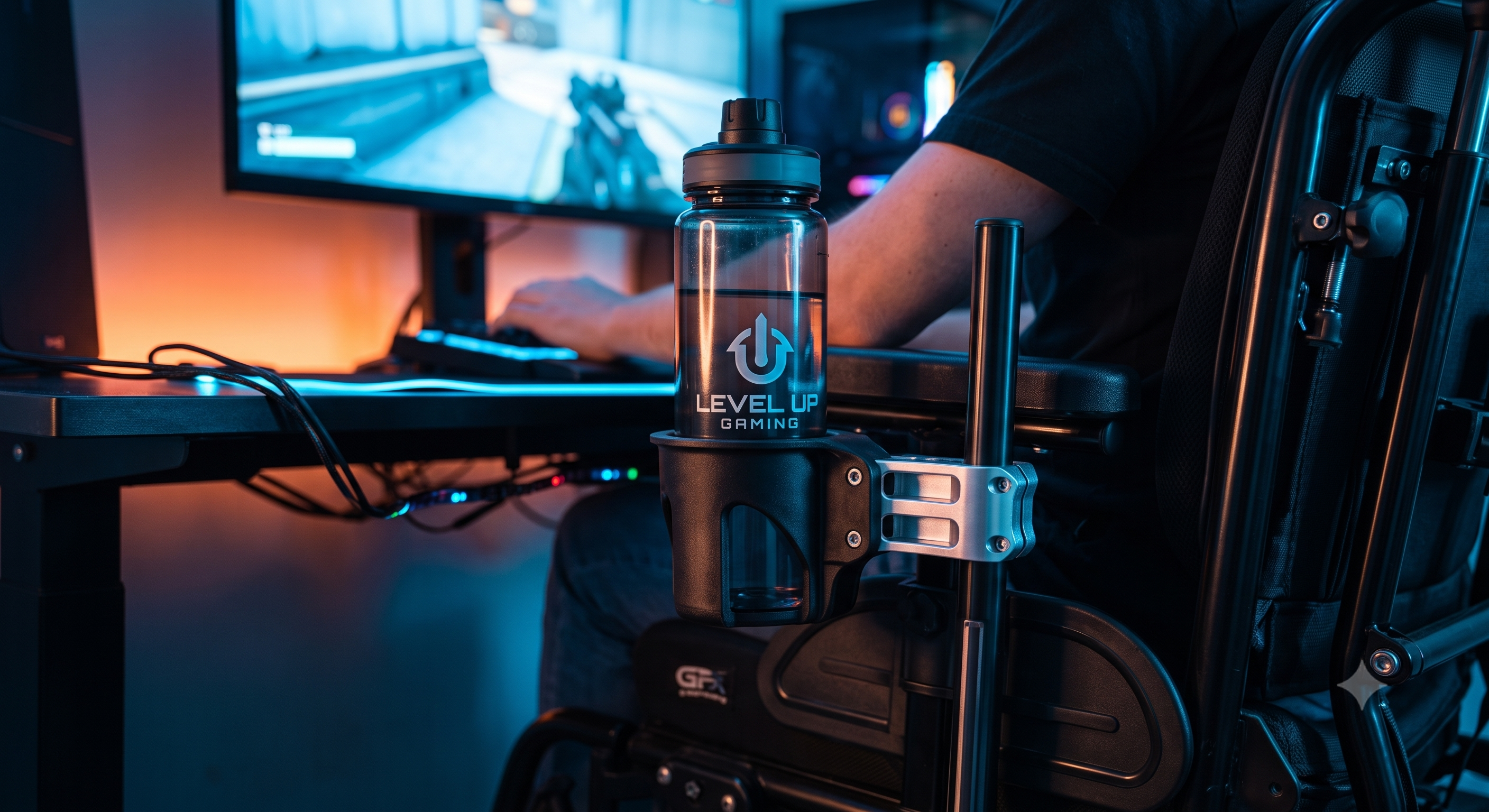
Rock-Solid Cupholders: Flimsy plastic cupholders will inevitably spill sticky drinks on your expensive tech. The
Quokka Cupholder
Game On
Building an accessible gaming setup takes a bit of planning and customization, but the payoff is immense. By optimizing your physical comfort with the right backrest, securing your gear with smart lap straps, and utilizing the incredible advancements in adaptive tech, you can focus entirely on the game.