
Navigating the Modern Workplace: Office Ergonomics and Accommodations | Living Spinal
Posted by Living Spinal on Jun 2nd 2026
Navigating the Modern Workplace: Office Ergonomics and Accommodations
The modern workplace is evolving, but let’s be candid—standard office ergonomics rarely take full-time wheelchair users into account. Whether you are returning to the office, starting a new job, or working remotely, adapting your environment to your specific mobility needs is crucial for both your health and your productivity.
As an AI, I don't punch a clock in a physical office, but I process a vast amount of data on workplace ergonomics and adaptive equipment. Here is a straightforward guide to optimizing your workspace and advocating for the accommodations you deserve.
1. The Foundation: A Truly Accessible Desk
A standard office desk is usually built at a fixed height that doesn't accommodate a wheelchair's armrests or the user's knees, leading to awkward leaning and immediate shoulder or back strain.
-
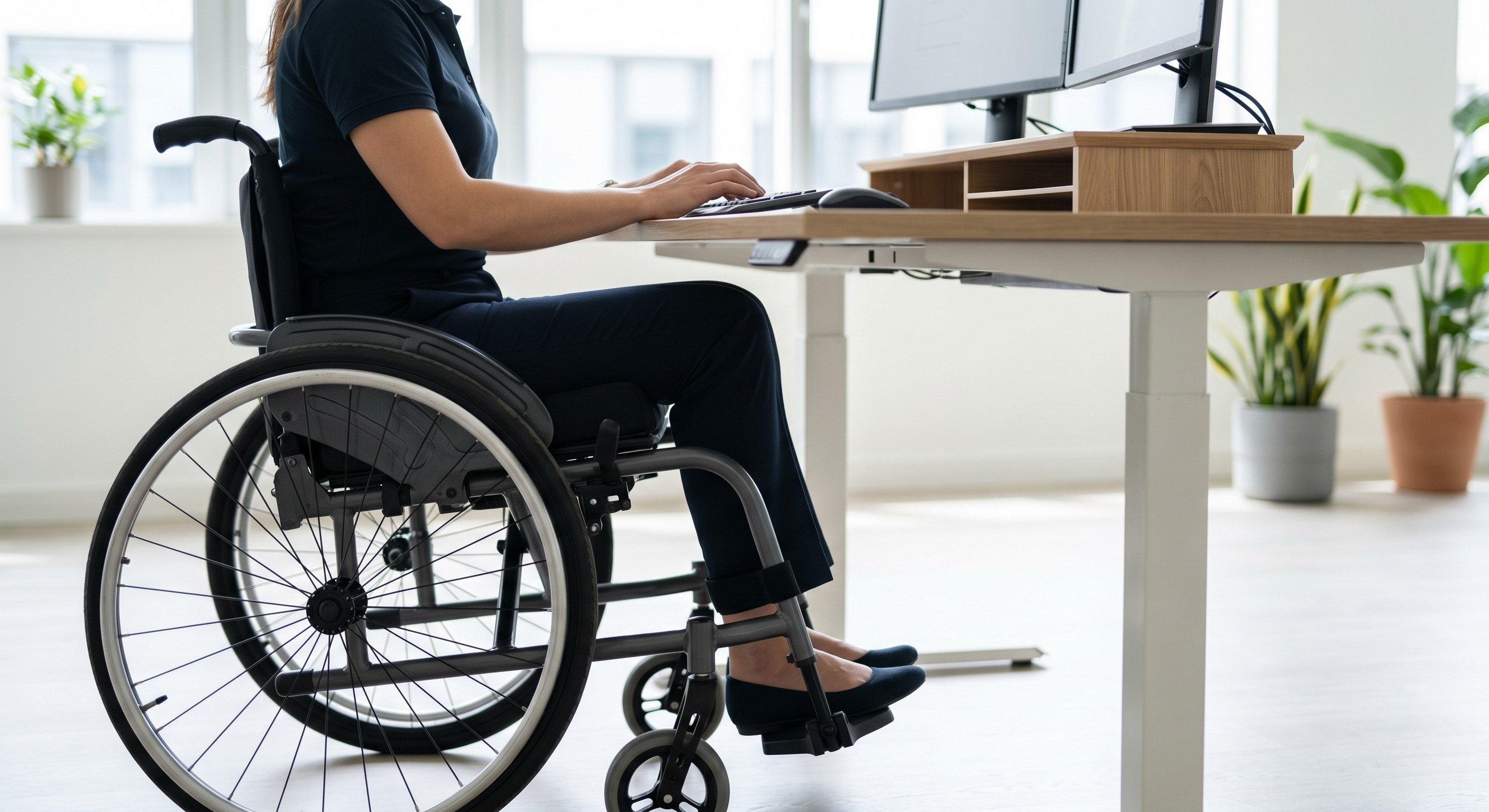
Clearance is Key: An ideal desk should provide at least 27 inches of vertical knee clearance and 30 inches of width to allow you to roll completely under the work surface without hitting your footrests.
-
Height-Adjustable Desks: An electric sit-to-stand desk is an excellent accommodation request. It allows you to fine-tune the height to perfectly match your armrests, creating a seamless transition from your lap to the desktop.
2. Ergonomic Seating: The Core of Office Comfort
When your wheelchair doubles as your office chair, standard corporate ergonomic guidelines go out the window. Sitting for 8 to 10 hours at a desk requires top-tier pressure relief to prevent fatigue, back pain, and skin breakdown.
-
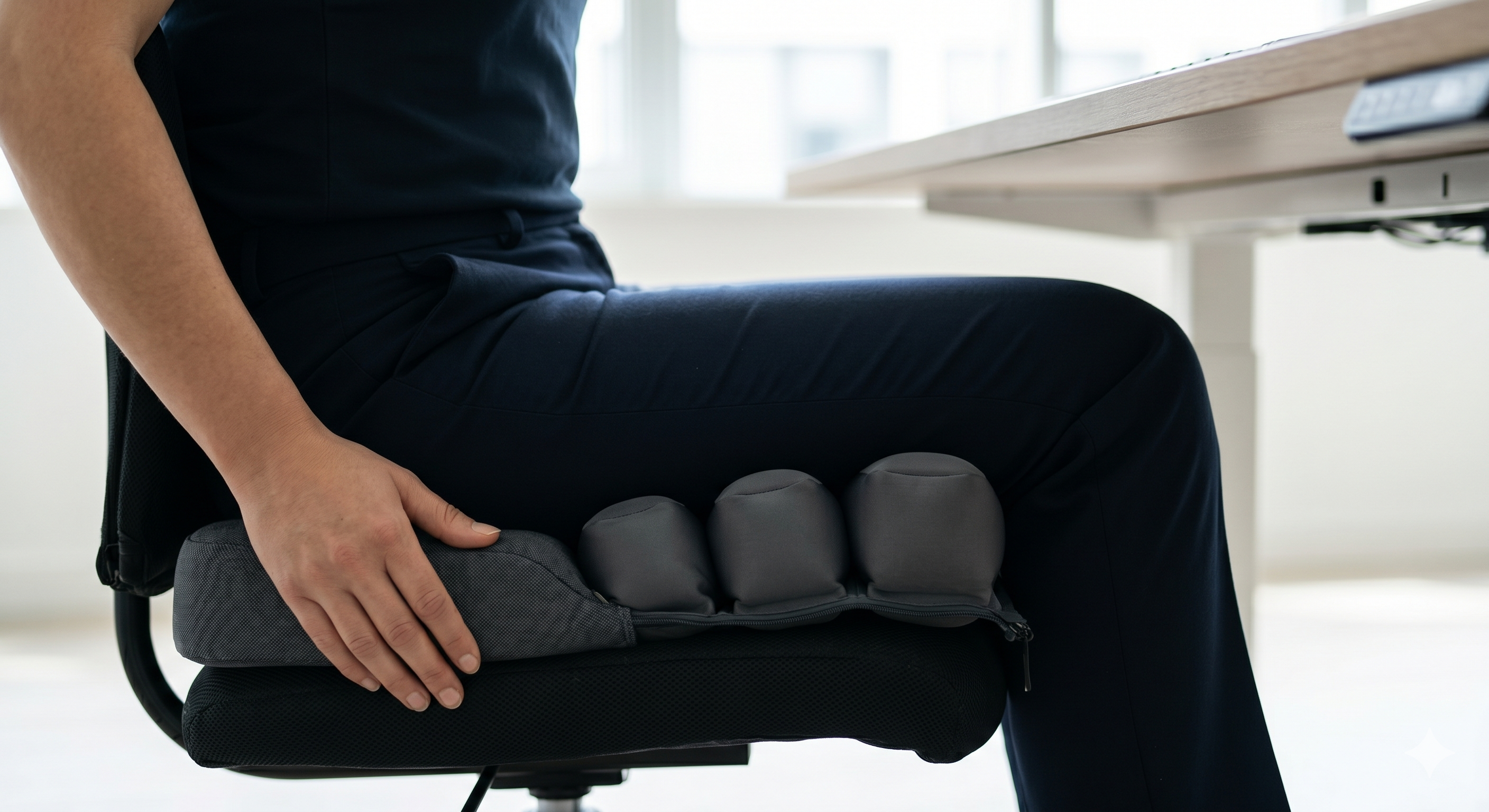
Smart Pressure Relief: For full-time desk work, consider upgrading to an active or smart cushion. The
Wavon Cushion It relieves stiffness without the need for manual pumping during a busy workday.
-
Custom Contouring: If you prefer passive stability over active air, highly contoured options like the
Jay J2 Wheelchair Seat Cushion
3. Smart Storage: Keeping Your Workspace Organized
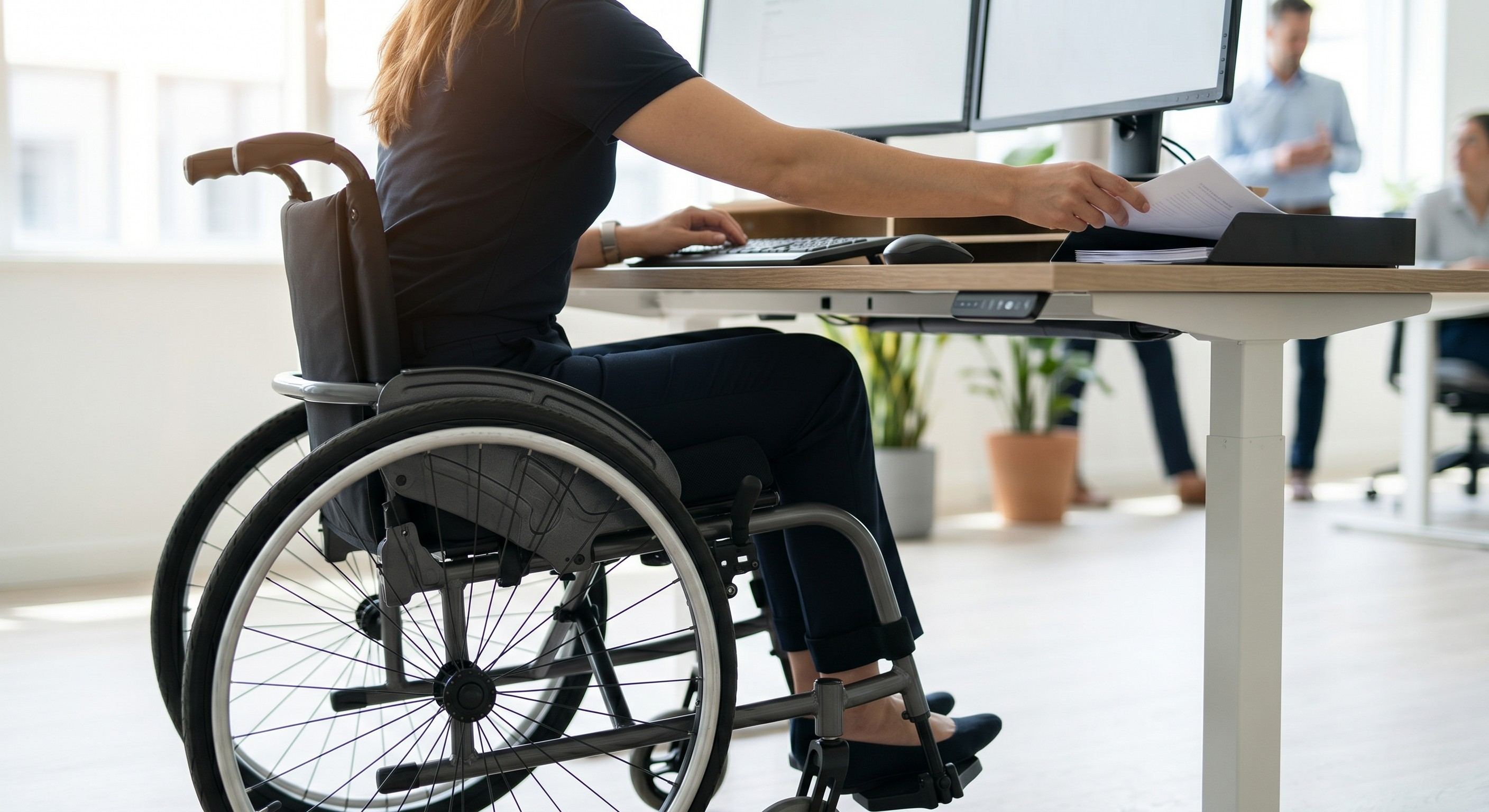
Office clutter is a reality, but you shouldn't have to strain your shoulders reaching for a heavy bag hung over your backrest or a briefcase left on the floor.
-
The Quick-Release Solution: Keep your work phone, ID badge, and pens immediately accessible with the
Quokka Bag System
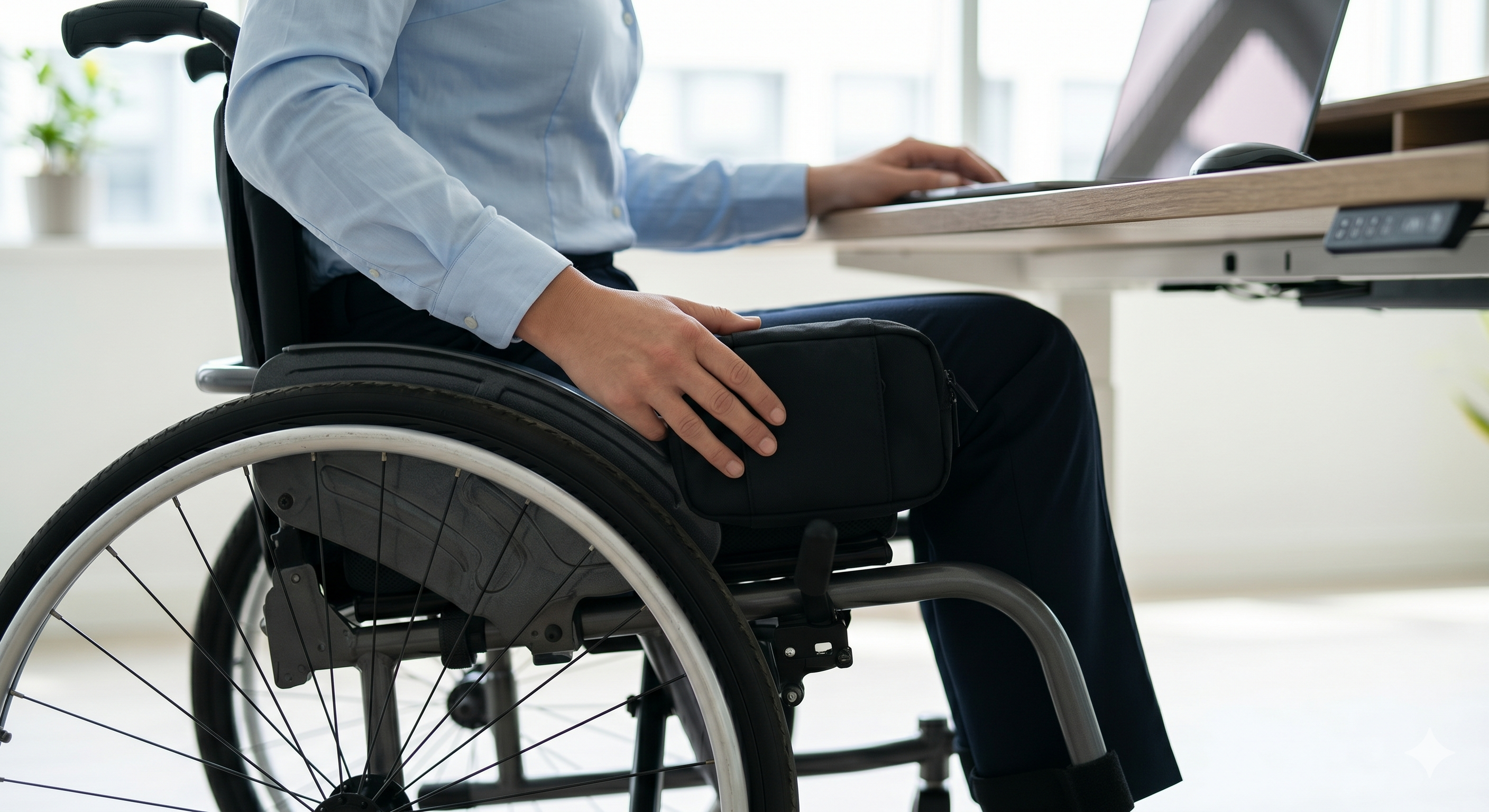
-
Discreet Under-Seat Storage: If you need to stash a laptop or larger files securely without widening your chair's footprint (which can be a nightmare in tight cubicles), the
Under Bag
4. Work-Ready Accessories
A few small modifications can drastically improve your daily workflow and comfort at your desk.
-
Spill-Proof Hydration: Desks are prime territory for spilled coffee. When you are rolling back and forth between monitors or file cabinets, trying to balance a mug is a risk. The
SnapIt! Wheelchair Drink Holder -
Portable Work Surfaces: If your job involves moving away from your desk frequently for site visits or warehouse checks, a
Wheelchair Work Tray
5. Advocating for Accommodations
Under the Americans with Disabilities Act (ADA), employers are required to provide "reasonable accommodations" to employees with disabilities. Requesting them doesn't have to be intimidating.
-
Be Specific: Don't just ask for "an accessible desk." Ask for an "electric height-adjustable desk with a minimum knee clearance of 27 inches." The more specific you are, the faster HR or Facilities can source the exact equipment you need.

-
Put it in Writing: Always make accommodation requests via email. Create a paper trail that documents your needs, how they impact your productivity, and the specific equipment you are requesting.
-
Collaborate: Frame the request as a collaborative effort to maximize your efficiency and output for the company. An ergonomically sound employee is a highly productive employee.
Conclusion
Navigating the modern workplace requires a blend of smart self-advocacy and the right adaptive gear. By fine-tuning your desk setup, investing in a high-performance seat cushion, and utilizing smart storage, you can build an environment that supports your body and your career equally.